Click the button below to download the app from your preferred platform:
📥 Buy Me a Coffee 📥 GumroadLike the app? Support its development here:
☕ Buy Me a Coffee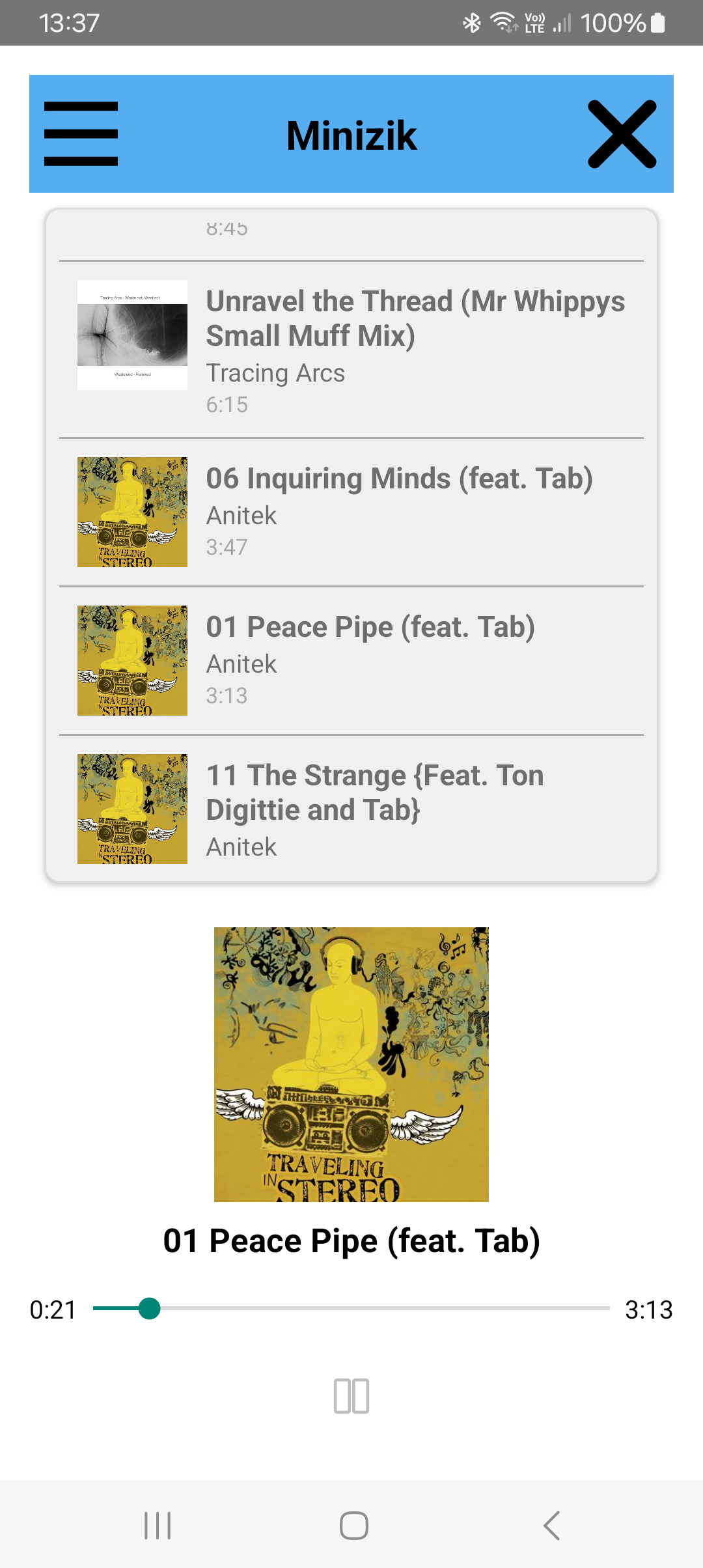
Minizik is not on Google Play due to Google’s increasing technical and legal demands — including forced inclusion of intrusive code that goes against the app’s minimalist philosophy.
Minizik is 100% safe. No ads, no trackers, no network access, and no personal data collection. The APK is clean and lightweight.
No distractions, no clutter — just your music, your way.